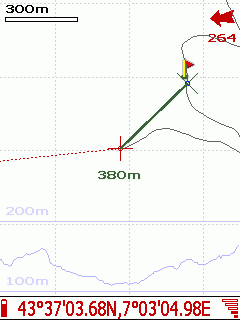
to change the zoom (move the pen from top to bottom)
 to adjust zoom to display all items and the track. By double-clicking, you center the display
 zoom to the resolution of the map
| Francais | English | Espaņol | Polski | Italiano | Deutsch |
| Main | Screen capture | Required configuration | Download | Menu | FAQs | Tutorials | License |

 to change the zoom (move the pen from top to bottom)
to adjust zoom to display all items and the track. By double-clicking, you center the display
zoom to the resolution of the map
to change the zoom (move the pen from top to bottom)
to adjust zoom to display all items and the track. By double-clicking, you center the display
zoom to the resolution of the map
 (Move the pen from top to bottom and right to left).
 (move the pen from right to left).
 to define the origin of the measure. or